
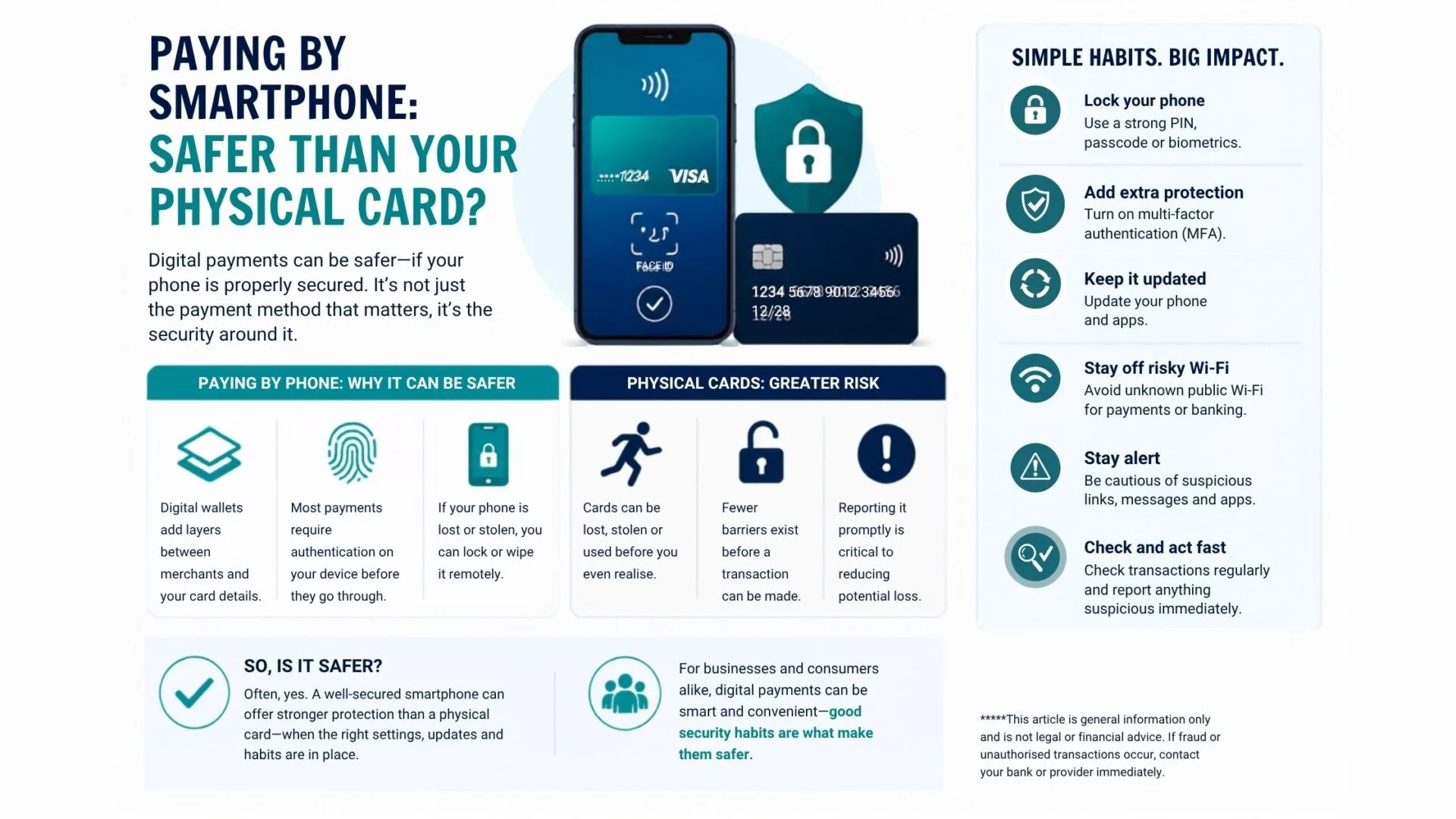
Apple Pay, Google Wallet and other tap-and-go payment apps are part of everyday life now. For plenty of Victorian businesses and consumers, paying by phone feels quicker, easier and a bit less fiddly than digging out a physical card.
And in many cases, it is safer too. But only if the phone itself is properly secured. The real difference is not the payment method on its own. It is the security wrapped around it.
Why paying by phone can be the safer option
Digital wallets add extra layers between the merchant and your actual card details. They also usually require some form of authentication on the device itself, such as biometrics, a PIN or a passcode, before the payment goes through.
A physical card, on the other hand, can be easier to lose, steal or misuse before you even realise it is gone. MoneySmart and Consumer Affairs Victoria both make the same point: if something looks off, act quickly.
If your smartphone is lost or stolen, the damage can be limited if you have already set it up properly. Cyber.gov.au recommends a strong PIN or password, biometrics, updates and remote wipe features.
If your physical card is lost or stolen, there are usually fewer barriers to someone using it before it is cancelled. That is why reporting it promptly matters.
That said, a poorly secured phone can quickly become a problem. Weak passcodes, ignored updates and phishing scams are usually the bigger issue, not the phone itself.
Where people usually get caught out
Most payment-related losses are not caused by someone magically cracking a phone in a car park. They are far more likely to come from phishing, fake apps, dodgy links, weak passwords or simply waiting too long to act. eSafety and Cyber.gov.au continue to warn Australians about exactly those kinds of scams.
Public Wi-Fi is another common weak spot. If the network is unsecured or fake, sensitive activity can be exposed, so banking or payment tasks are best kept off unknown hotspots.
Simple habits that make a real difference
Start with the basics: use a strong passcode, switch on biometrics and enable multi-factor authentication for your key accounts. Cyber.gov.au identifies MFA as one of the strongest protections against unauthorised access.
Then keep your device and apps updated, download only from trusted sources, stay sceptical of odd links and messages, and turn on remote tracking or wipe features.
And do not ignore the boring but important bit: check your transactions and contact your bank straight away if something does not look right. Speed really does matter.
Quick check before you tap
- Lock your phone with a strong PIN, passcode or biometrics.
- Turn on multi-factor authentication.
- Keep your phone and apps updated.
- Avoid unknown public Wi-Fi for payments or banking.
- Report suspicious transactions immediately.
So, is it actually safer?
Often, yes. A well-secured smartphone can offer stronger protection than a physical card, but only when the right settings, updates and habits are in place.
For businesses and consumers alike, the takeaway is simple: digital payments can absolutely be smart, but convenience should never be doing all the heavy lifting. Good security habits are what make them safer.
This article is general information only and is not legal or financial advice. If fraud or unauthorised transactions occur, contact your bank or provider immediately.
References
Consumer Affairs Victoria; Cyber.gov.au; eSafety Commissioner; MoneySmart.